Evermore High Getting Started Guide
First-day walkthrough from school entrance to dorm, classes, and town.
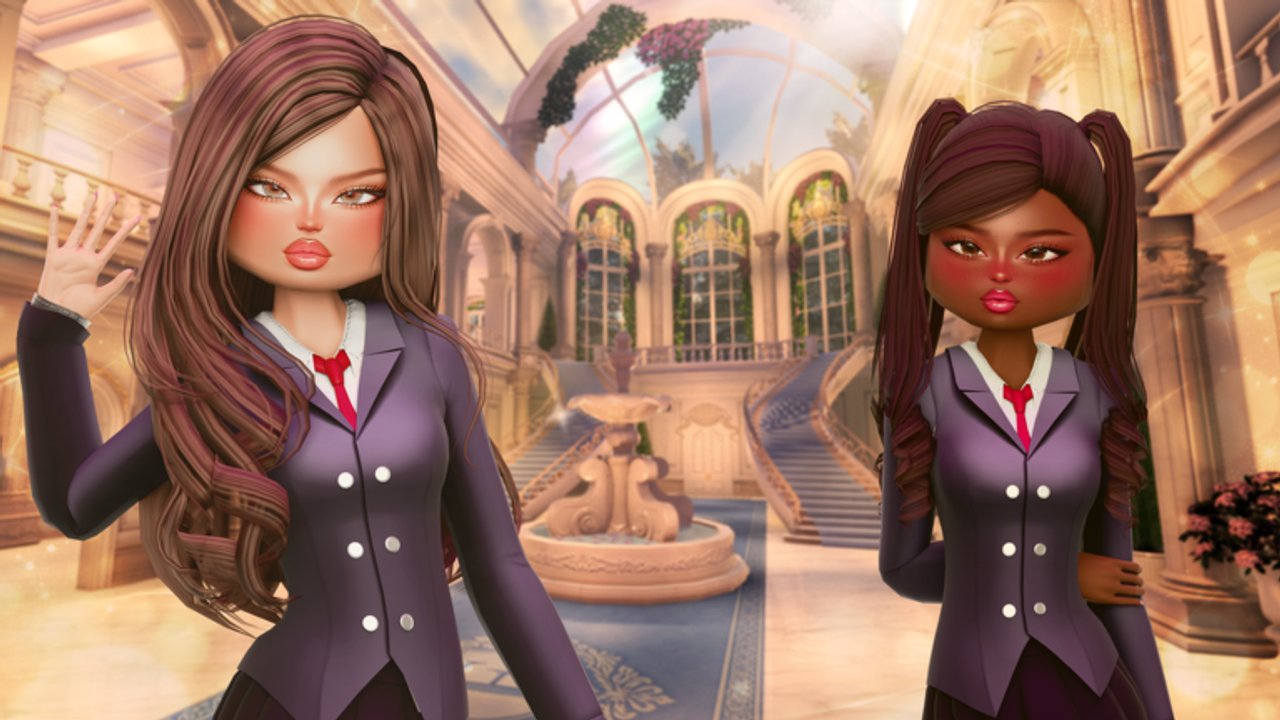
Evermore High is a free Roblox school roleplay and dress-up experience by Paper Swan Games. You join a 30-player campus, attend timed classes with minigames, decorate a dorm, earn Morebucks in town, and roleplay between periods. This getting-started guide is a practical day-one plan: what to do in order, what to ignore until later, and which wiki pages to open next.
Released 2026-09-21, the live experience is the official Evermore High page on Roblox. Before you dig into fashion or long job grinds, finish one clean school day so the phone, locker, dorm, and town loop all make sense.
Minute zero: spawn and tutorial
You spawn at the school entrance. Follow the onboarding prompts until the tutorial unlocks your phone. The phone is the hub for codes, vehicles, and several social or utility actions—treat unlocking it as non-optional. If a prompt highlights UI, complete it before you wander into town; skipping early steps is how players miss starter quests.
Once the phone works, open it once so you know where redeem and vehicle options live. Then check whether any codes are active and redeem them immediately so rewards land while you still explore.
First-hour priority list
Use this order on a fresh account:
- Finish the tutorial and confirm the phone opens.
- Note the class schedule UI and any pink path that guides you toward the next room.
- Attend your first class block on time and complete the minigame.
- Claim your locker when the starter quest asks.
- Spawn a vehicle via the phone when you are on a valid road surface (often after you can reach town or road tiles).
- Visit town by train at least once.
- Find the Dorms map label, enter your room, and poke homework / report card interactions.
- End the school day, read the report card, then decide whether to decorate or job grind.
Starter quests commonly push exactly those beats—finish a class, spawn a vehicle, claim a locker, visit town—so clearing them early unlocks the real sandbox.
How the school day works
Classes run on a schedule. Arrive on time. A pink path may appear to route you to the correct room; follow it when you are still learning building names. Each subject is a short minigame, not a passive sit-down:
- Geography — place pins on a map.
- Science — solve node-style puzzles.
- Swimming / PE — dodge obstacles.
- Cooking — timing, stirring, then deliver the dish to the teacher.
- Cheerleading and Computer Lab — rhythm or interaction focused blocks.
- Lunch — social / break period between academic pressure.
Performance plus attendance feed your grades. Warnings stack 0/5; at five you hit detention. Treat every late arrival and failed minigame as a warning risk. Deep tips for each subject live in the Classes guide—open it before your second full day if grades already look rough.
After the day closes, check the report card. Then head to the dorm bedroom where homework and report-card interactions also appear. That after-school beat is where campus life becomes more than sprinting hallways.
Dorm, cooking, and Morebucks preview
Find Dorms on the map, enter your space, and open decorating tools: Build / Room / Details. Furniture categories you will meet early include Bed, Rug, Nightstand, Chair, Sofa, TV, Wardrobe, and Window. You do not need a perfect room on day one—place a bed and one comfort piece, then return after you earn Morebucks.
Fridge and stove support cooking with groceries from town. That means your first town trip is not only for jobs; pick up food supplies if you want to practice cooking outside class. Full decorating and homework flow is documented in Dorms.
Town, jobs, cars, and outfits
Take the train to town when the quest (or your curiosity) calls for it. Town is where jobs pay Morebucks and where Fresh Organic supermarket runs refill cooking stock. When you stand on a road, use the phone to call a car so travel between campus and town feels less like a hike.
Fashion is a core fantasy of Evermore High. After you can finish classes without panic, browse Outfits for wardrobe ideas that still fit the schedule. For money routes and supermarket detail, use Jobs & Town. If you keep getting lost between entrance, classrooms, and dorm wing, skim the Campus Map once and then return here.
Community reports say private servers are free. Use one when you want a quiet first decorate session or to practice a cooking delivery without a crowded lobby.
Day-one mistakes to avoid
- Wandering town before the phone unlocks—finish the tutorial first.
- Ignoring the pink path, then racking warnings for late arrivals.
- Skipping minigames entirely; grades care about performance, not just showing up.
- Spending all Morebucks on cosmetics before you can stock the fridge or buy basic dorm pieces.
- Never opening the report card, then wondering why homework prompts feel random.
- Redeeming nothing from Codes on day one.
What to do on day two
Re-run a full school day with fewer warnings, then specialize: either push Classes mastery, invest time in Dorms decorating, or grind Jobs & Town for a furniture budget. Keep Guides Hub bookmarked so every new walkthrough stays one click away.
The embedded beginner let’s play below follows a full early session with chapter markers—use it if you prefer watching the phone unlock, first class, and town trip before repeating them live.
Frequently Asked Questions
Quick answers to the most common questions.
Where do I spawn in Evermore High?
At the school entrance. Complete the tutorial there until the phone unlocks, then follow the schedule and any pink path to your first class.
What should I do first as a new student?
Unlock the phone, redeem codes, attend a class on time, claim your locker, visit town by train, and open your dorm. Those beats match common starter quests.
How do warnings and detention work?
Warnings climb from 0 to 5. Hitting five sends you to detention. Arrive on time and finish minigames carefully—see the Classes guide for subject tips.
When should I go to town?
After the phone works and you can spare a block between classes or after school. Take the train, try a job for Morebucks, and visit Fresh Organic for groceries.
Where do I decorate and do homework?
In the dorm bedroom under the Dorms map label. Use Build/Room/Details for furniture; homework and report card interactions appear in the room after school.
Are private servers free?
Players widely report free private servers. They help for calm dorm decorating or practicing class routes without a full 30-player server.